Astro:不止是静态站点生成器,更是现代 Web 开发的加速器
Astro 是一个革命性的 Web 框架,它通过 Islands 架构和零 JS 默认策略,重新定义了现代 Web 应用的性能标准。本文将深入剖析 Astro 的核心理念和技术实现。
Astro 的核心理念
Astro 的设计哲学围绕一个核心原则:默认发送零 JavaScript 到客户端。与传统的 SPA 框架不同,Astro 采用服务端优先的渲染策略,仅在必要时才选择性地激活交互组件。
astro--- // Astro 组件默认在服务端渲染 import Header from '../components/Header.astro' import InteractiveCounter from '../components/Counter.svelte' import { fetchPosts } from '../lib/api' const posts = await fetchPosts() --- <html> <body> <!-- 纯静态 HTML,零 JS --> <Header /> <!-- 仅此组件需要交互时才加载 JS --> <InteractiveCounter client:visible /> <main> {posts.map(post => ( <article>{post.title}</article> ))} </main> </body> </html>
Islands 架构详解
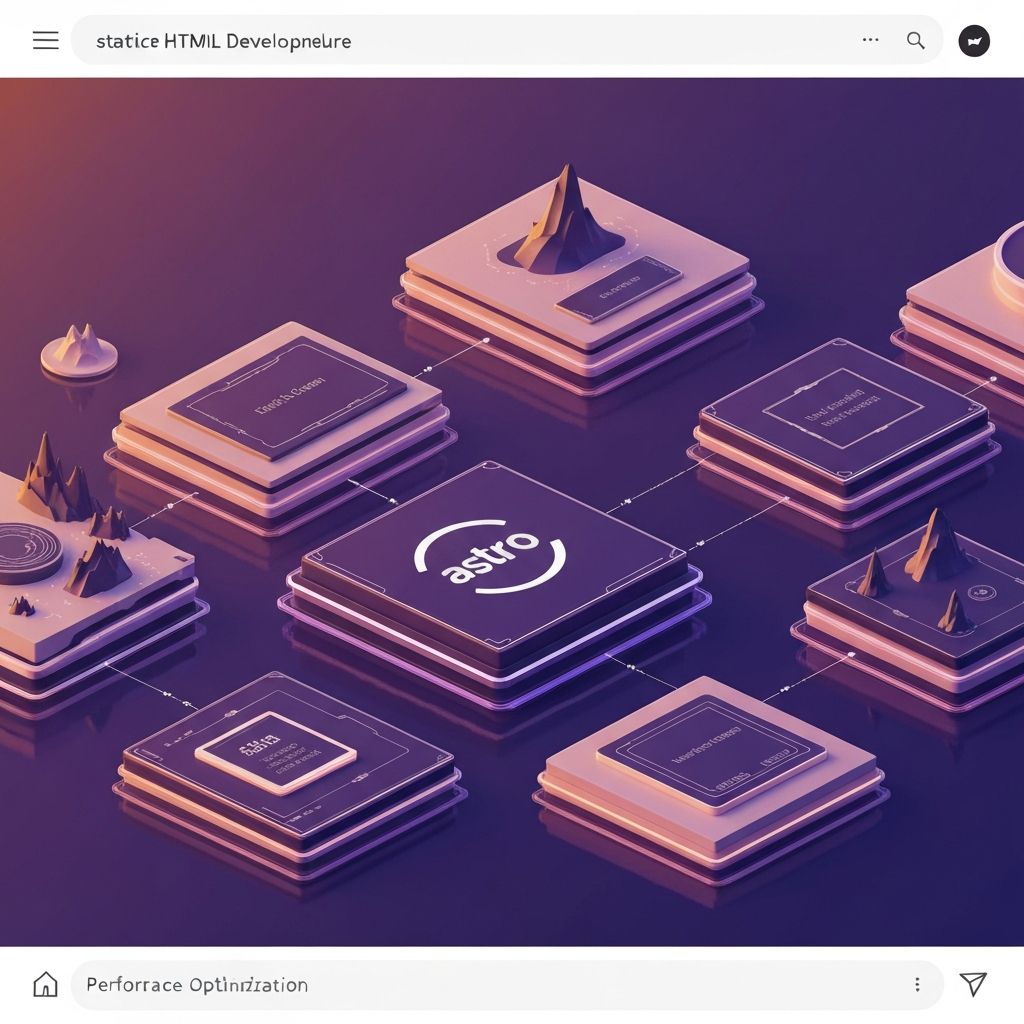
Islands 架构是 Astro 的核心创新,它将页面视为静态 HTML 的"海洋",其中点缀着交互式组件的"岛屿"。
传统 SPA vs Islands 架构
typescript// 传统 SPA:整个页面都是 JavaScript // bundle.js: 500KB+,所有内容都需要水合 // Islands 架构:选择性水合 interface Island { // 组件定义 component: Component; // 水合策略 hydration: "load" | "visible" | "idle" | "media" | "only"; // Props 数据 props: Record<string, any>; } // 页面只加载必要的岛屿 const page = { static: "<header>...</header><main>...</main>", islands: [ { component: SearchBar, hydration: "load", props: {} }, { component: Comments, hydration: "visible", props: { postId: 123 } }, ], };
客户端指令
Astro 提供了精细的客户端加载控制:
| 指令 | 描述 | 使用场景 |
|---|---|---|
client:load | 页面加载时立即水合 | 关键交互组件 |
client:visible | 进入视口时水合 | 折叠下方的组件 |
client:idle | 浏览器空闲时水合 | 非关键组件 |
client:media | 媒体查询匹配时水合 | 响应式组件 |
client:only | 仅客户端渲染 | 依赖浏览器 API 的组件 |
astro--- import ReactCarousel from './Carousel.jsx' import VueChart from './Chart.vue' import SvelteModal from './Modal.svelte' --- <!-- 首屏立即可交互 --> <ReactCarousel client:load items={featured} /> <!-- 滚动到此处时才加载 --> <VueChart client:visible data={analytics} /> <!-- 移动端不加载 --> <SvelteModal client:media="(min-width: 768px)" />
部分水合(Partial Hydration)
部分水合是 Astro 性能优势的关键。传统框架需要下载并执行整个应用的 JavaScript,而 Astro 只激活需要交互的部分。
水合过程对比
javascript// 传统框架:全量水合 function hydrateApp() { // 1. 下载 500KB bundle // 2. 解析所有组件 // 3. 重建虚拟 DOM // 4. 绑定所有事件监听器 ReactDOM.hydrate(<App />, document.getElementById('root')) } // Astro:选择性水合 function hydrateIslands() { // 只水合标记的岛屿 islands.forEach(island => { if (shouldHydrate(island)) { // 仅加载 10KB 组件代码 const component = await import(island.component) component.mount(island.el, island.props) } }) }
性能收益
实际项目中的性能提升:
传统 React SPA:
- FCP: 2.3s
- TTI: 4.8s
- Total JS: 487KB
- Lighthouse: 67

Astro Islands:
- FCP: 0.4s
- TTI: 0.8s
- Total JS: 23KB
- Lighthouse: 98
内容集合(Content Collections)
Astro 提供了类型安全的内容管理系统,非常适合博客、文档等内容驱动的站点。
typescript// src/content/config.ts import { defineCollection, z } from "astro:content"; const blogCollection = defineCollection({ schema: z.object({ title: z.string(), pubDate: z.date(), description: z.string(), author: z.string(), image: z.object({ url: z.string(), alt: z.string(), }), tags: z.array(z.string()), }), }); export const collections = { blog: blogCollection, };
astro--- // src/pages/blog/[...slug].astro import { getCollection } from 'astro:content' export async function getStaticPaths() { const posts = await getCollection('blog') return posts.map(post => ({ params: { slug: post.slug }, props: { post } })) } const { post } = Astro.props const { Content } = await post.render() --- <article> <h1>{post.data.title}</h1> <time>{post.data.pubDate}</time> <Content /> </article>
框架无关性
Astro 最强大的特性之一是可以在同一个项目中混用多个框架:
astro--- import ReactButton from './Button.jsx' import VueForm from './Form.vue' import SvelteCard from './Card.svelte' import SolidCounter from './Counter.tsx' --- <div> <!-- 四个不同框架的组件和谐共存 --> <ReactButton client:load /> <VueForm client:visible /> <SvelteCard client:idle /> <SolidCounter client:load /> </div>
每个组件的 JavaScript 被完全隔离,互不影响:
javascript// 构建输出 dist/ ├── react-button.js // 3KB ├── vue-form.js // 5KB ├── svelte-card.js // 2KB └── solid-counter.js // 4KB // 总计仅 14KB,且按需加载
视图过渡(View Transitions)
Astro 内置了对视图过渡 API 的支持,无需额外配置即可实现流畅的页面切换动画:
astro--- // src/layouts/BaseLayout.astro import { ViewTransitions } from 'astro:transitions' --- <html> <head> <ViewTransitions /> </head> <body> <slot /> </body> </html>
css/* 自定义过渡效果 */ ::view-transition-old(root) { animation: fade-out 0.3s ease-out; } ::view-transition-new(root) { animation: fade-in 0.3s ease-in; }
服务端渲染与边缘部署
Astro 支持按需渲染(SSR),可以部署到各种平台:
javascript// astro.config.mjs import { defineConfig } from "astro/config"; import vercel from "@astrojs/vercel/serverless"; export default defineConfig({ output: "hybrid", // 'static' | 'server' | 'hybrid' adapter: vercel(), });
astro--- // 页面级别控制渲染策略 export const prerender = false // 此页面使用 SSR const user = Astro.locals.user const dynamicData = await fetch( `https://api.example.com/user/${user.id}` ).then(r => r.json()) --- <div> <h1>欢迎,{user.name}</h1> <p>{dynamicData.message}</p> </div>
总结
"Astro 通过 Islands 架构和部分水合策略,实现了接近静态站点的性能,同时保留了现代 Web 应用的交互能力。它不仅是静态站点生成器,更是一个能够加速整个 Web 开发流程的现代框架。
选择 Astro 意味着选择性能优先的开发方式。零 JS 默认、选择性水合、框架无关,这些特性使 Astro 成为构建内容驱动网站的理想选择。无论是博客、文档站、营销页面还是电商网站,Astro 都能提供卓越的用户体验和开发体验。